Workspaces
A workspace is a folder containing .java source files and resource files that EOCV-Sim compiles on-the-fly. This means you don’t need to run Gradle builds — changes are picked up and applied within seconds.
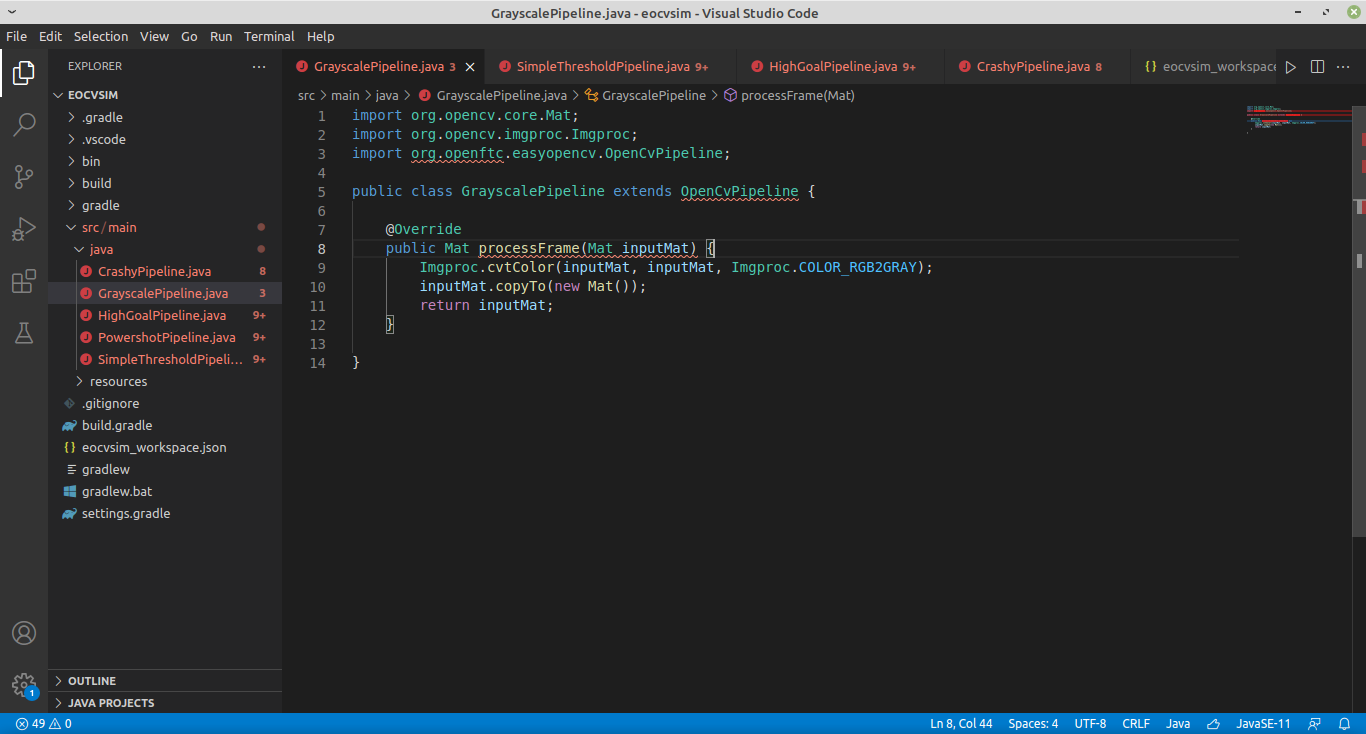
Selecting a workspace
Workspaces aren’t tied to any specific IDE or text editor — you just need to point EOCV-Sim at a folder containing .java files. A eocvsim_workspace.json file in the folder controls the build process (covered in the next section).
By default, the sim creates and uses a workspace at ~/.eocvsim/default_workspace, which includes a sample GrayscalePipeline.java. To switch to a different folder:
- Go to the “Pipelines” section and click Workspace → Select workspace
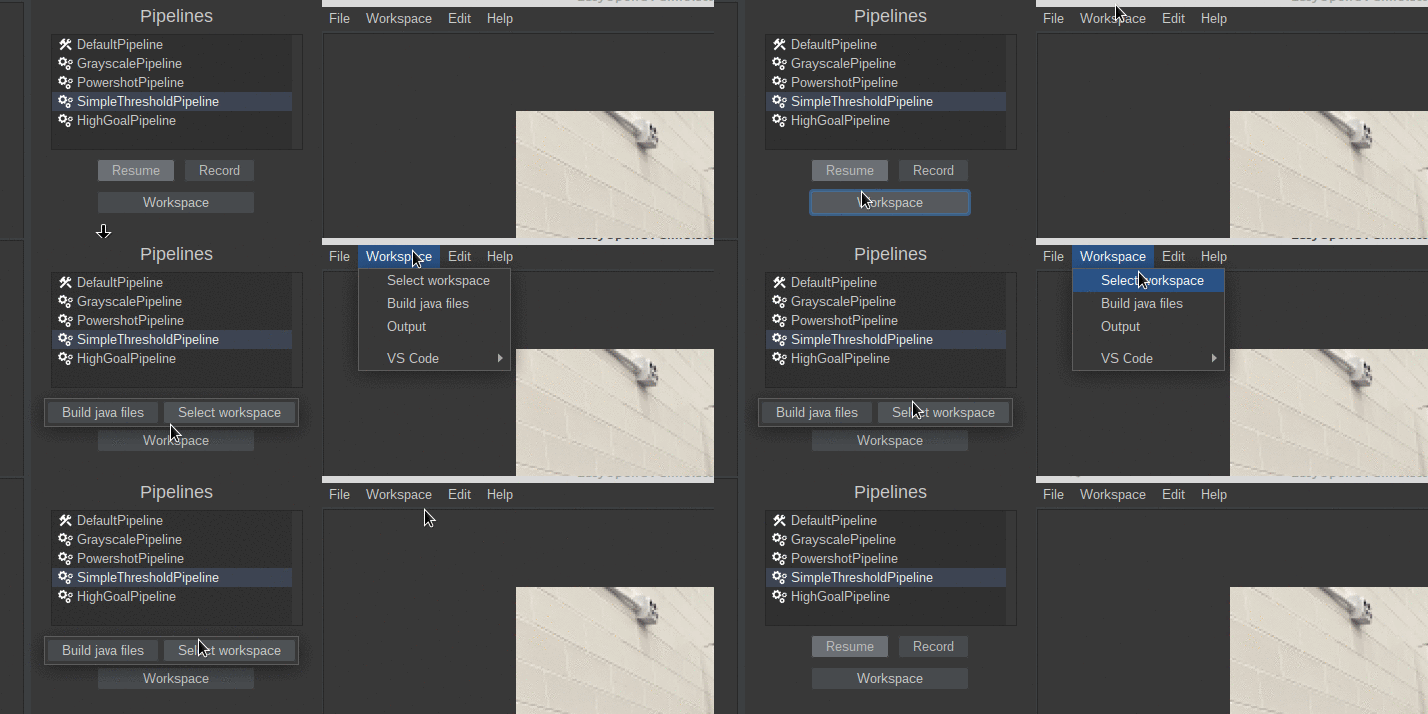
- Select a folder in the file explorer that opens
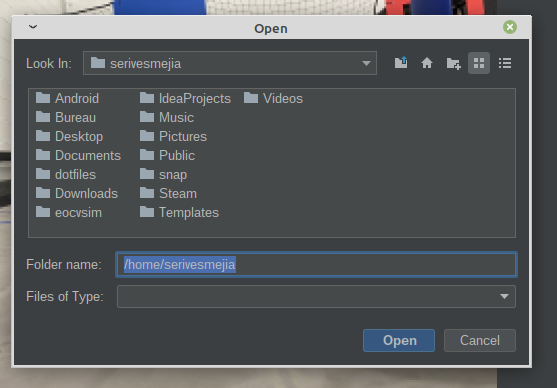
- The sim will set the selected folder as the active workspace, generate a
eocvsim_workspace.jsonif one doesn’t exist, and compile the.javafiles inside.
This article was last modified...
On 2026-05-07 23:10:31 -06:00
By Sebastian Erives
See it here:08db7ff339abde0b109efab8cb1225fc35b60156